
From DNS validation to certificate visibility.
Follow a Certbot DNS-01 request through DNS validation, issuance, and monitoring. See where the BamGuard Hook fits and why private keys stay on your host.
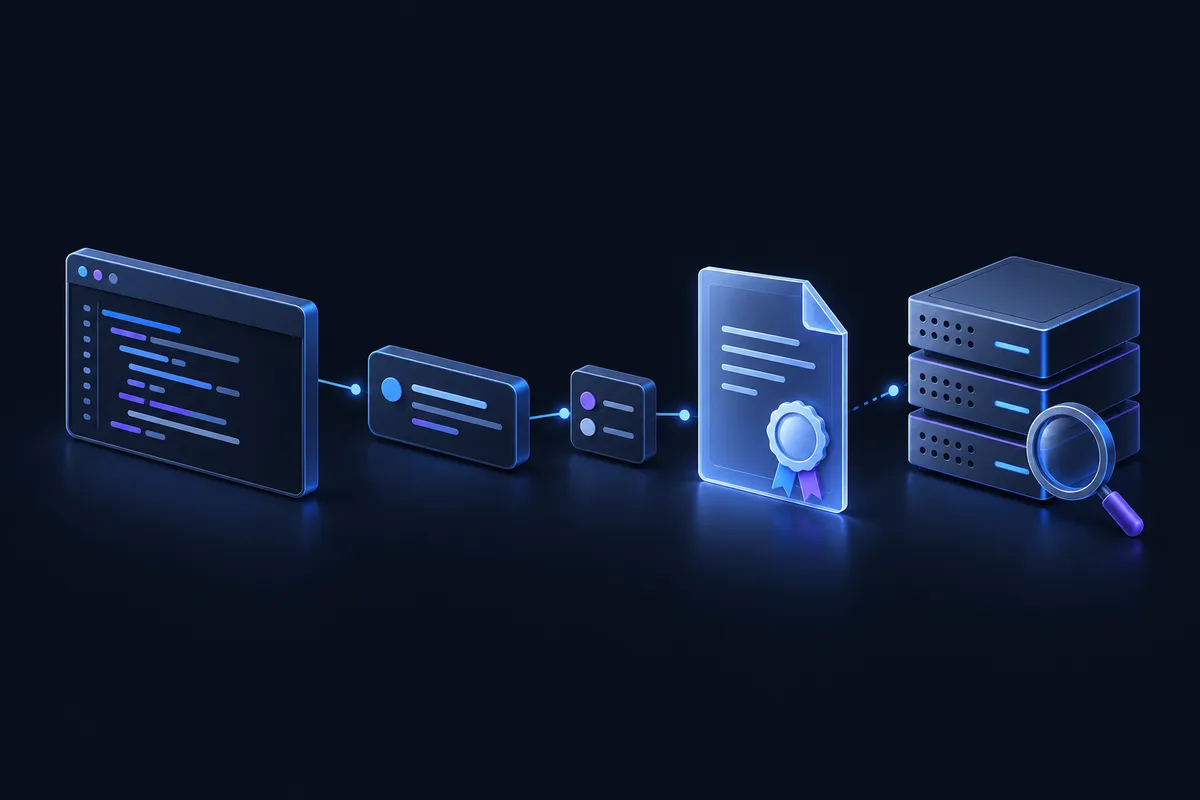
The certificate journey
Separate steps. Different evidence.- 01
Request
Certbot starts an ACME order on your host.
Your infrastructure - 02
DNS validation
A challenge TXT record lets the CA verify domain control.
Hook + DNS + CA - 03
Certificate issued
After validation, the CA can issue the certificate.
Certificate authority - 04
Certificate observed
Independent monitoring may find matching certificate metadata.
Separate monitoring
DNS-01 answers a very specific question.
Before issuing a certificate, a certificate authority needs evidence that the requester controls the domain. With the ACME DNS-01 challenge, that evidence is a particular TXT record under _acme-challenge.
Certbot receives the challenge and arranges for its response to appear in DNS. The CA queries DNS to validate the response. This validates domain control; it does not test your web application or install a certificate on it.
DNS-01 is useful for wildcard certificates and systems where serving an HTTP challenge is inconvenient. The Let's Encrypt challenge documentation explains the method and its tradeoffs.
Your DNS zone can point to a dedicated challenge service.
A DNS provider hosts the authoritative records for your domain. An ACME-DNS service can hold the challenge TXT record separately, with a CNAME connecting the two.
_acme-challenge.example.orgCNAMEPoints to the exact target provided during setup.
Holds the response that the CA checks.
Illustrative names only. Let's Encrypt follows CNAME or NS delegation for DNS-01. Use the exact target from your own setup and verify DNS propagation before continuing.
A DNS authentication hook.
An entry point for visibility.
The existing BamGuard Certbot Hook runs as Certbot's --manual-auth-hook. It communicates with the BamGuard ACME DNS Gateway to register and update DNS challenge data.
That interaction also provides the domain context for Monitoring Root registration. Certificate collection is a separate process; a successful Hook request is not proof of a certificate observation.
Follow the first-run setup- 01
Configure the Hook on your host
Install the published Hook and protect its configuration. Keep the Hook API key and local ACME-DNS credentials private.
- 02
Add the first CNAME yourself
On first use, the Hook registers domain credentials and prints the exact CNAME. Add it to your DNS zone while Certbot is paused, then verify that the CNAME and TXT resolve.
- 03
Reuse the registration on later renewals
Configured renewal runs reuse the local per-domain credentials. Keep the credential files available to the user running Certbot.
Issuance, deployment, and observation each need their own evidence.
The CA issues a certificate
After successful validation, Certbot can obtain a certificate. CT may already contain a precertificate before the final certificate is issued.
Your infrastructure deploys it
The BamGuard authentication Hook does not install certificates or reload services. Configure the installer or deploy hook your endpoint needs.
Monitoring adds visibility
BamGuard can show matching certificate observations and validity dates. Collection timing and coverage vary; observations do not prove deployment or endpoint health.
Your certificate private key stays with you.
The BamGuard Hook needs DNS challenge context and credentials for its gateway interactions. It does not require or upload your certificate private key.
Domains and challenge updates pass through the gateway. Hook activity can show those interactions, while certificate observations provide a separate view of matching certificate metadata.
A Hook API key and ACME-DNS credentials are still secrets. Protect their local files and backups. Never paste them into logs, screenshots, or source control.
Review the security modelReady to connect your workflow?
Use the existing setup guide for release downloads, protected configuration, the first DNS challenge, and Monitoring Root confirmation.